Ever ask ChatGPT to write a blog post, and when you read it back, you think…
“This doesn’t sound like me at all.”
It’s too formal. Too generic. It uses words you’d never say.
So you end up spending just as much time rewriting it as you would’ve spent writing it from scratch.
Sound familiar?
If you’ve been there, you’re not alone.

Why AI-Generated Content Doesn’t Sound Like You
When you ask AI to write something without giving it context, it defaults to a safe, neutral tone that could belong to anyone.
It doesn’t know:
- How you naturally speak or write
- What words and phrases you use
- Whether you’re casual and conversational or more professional
- The style and rhythm of your sentences
AI isn’t a mind reader.
If you don’t tell it how you write, it’s going to guess—and that guess usually sounds nothing like you.
And that’s frustrating, especially when you’re trying to create content that feels authentic and connects with your audience.
Training AI to understand their unique voice and style.
Think about it this way:
If you hired someone to write for your blog, you’d give them examples of your writing. You’d explain your tone. You’d tell them how you like to structure your ideas.
AI works the same way.
Before you ask it to create content, you need to give it the details about how YOU communicate.
What AI Needs to Write Like You
So what exactly should you tell AI?
You’d give it details about your writing style — but how do you do that?
Here are 3 ways:
- Writing Style Guide: If you have a writing style guide based on your blog posts, you can paste it into the prompt or attach it as a file. If you attach a file, make sure to replace the brackets with “see attached file for writing style guide” so the AI knows you attached it.
- Writing Sample(s): If you don’t have a writing style guide, you can share a blog post (or two) that you’ve written. You can paste one or two of your blog posts or attach them as a file. If you attach a file, make sure to replace the brackets with “see attached file for writing samples” so the AI knows you attached it..
- Style + Tone Description: If you don’t have a writing style guide or sample to share, you can still guide the AI by telling it how you want the post to sound. This won’t help the AI to write in a way that sounds like you, but you can provide it with general guidance. For example, you can tell if you want the post to:
- sound casual or more professional
- be conversational or more formal and structured
- include any specific phrases or jargon you would typically always use
When you give AI this context upfront, it can create content that sounds like it actually came from you—not a robot.
Want a Step-by-Step System + Prompts?
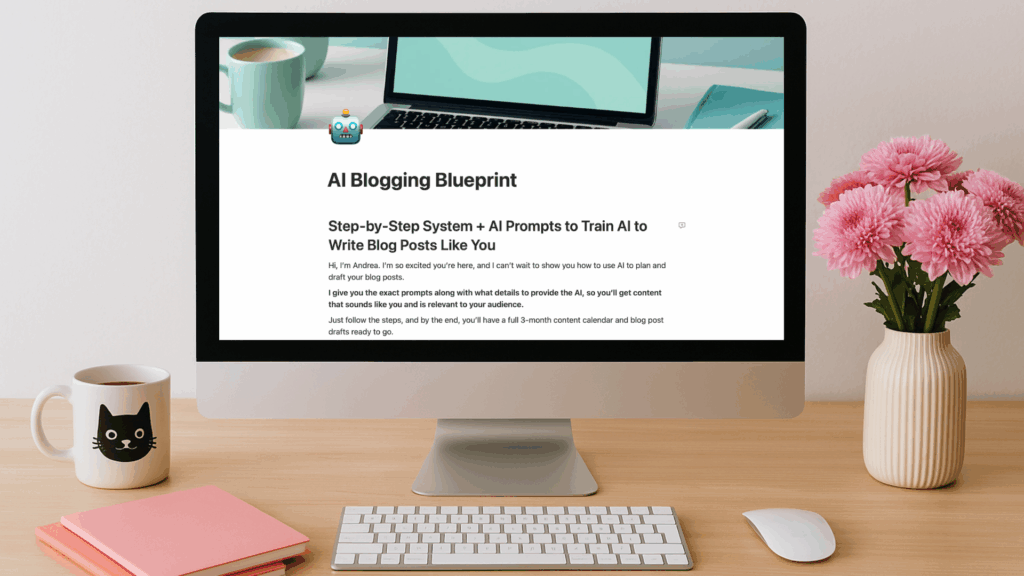
I created the AI Blogging Blueprint to walk you through exactly how to give AI the right details so it can write blog posts that sound like you and speak directly to your audience.
A step-by-step system + ready-to-use prompts that show you how to use your favorite AI (ChatGPT or Claude) to:
🗓️ Create a 3-Month Blog Content Calendar (Get targeted, relevant blog topic ideas based on your audience and niche)
📝 Turn Ideas into Blog Outlines (Use AI to turn your ideas into a clear, customized outline)
✍🏻 Write your Blog Posts with AI (Get AI to write in your voice so your post sounds like you and not like a robot)
➕ BONUS Cheat Sheet
Get Your Free AI Blogging Blueprint 👇🏻
Just enter your name and email address, and I’ll send it straight to your inbox.